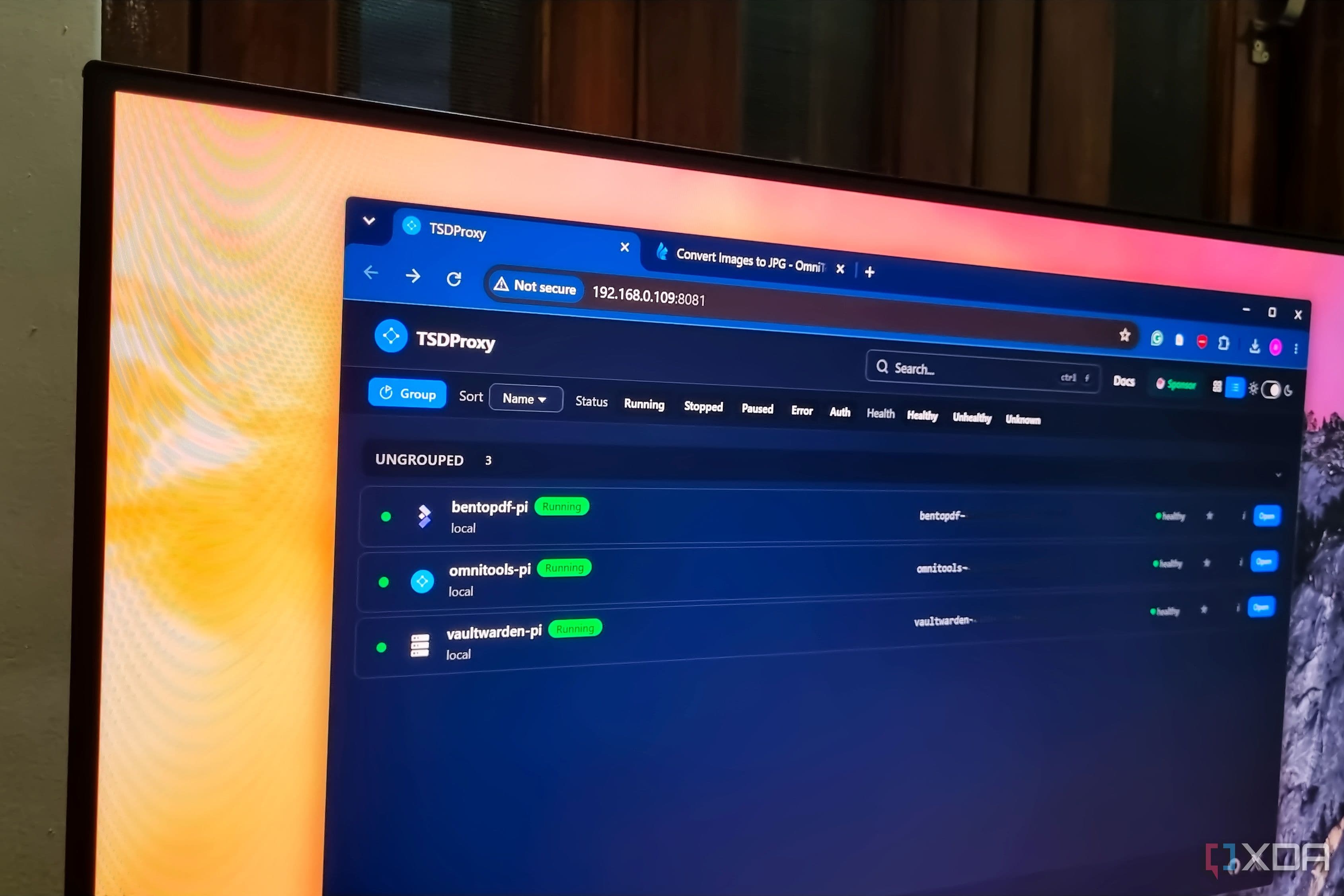
Docker is a fantastic tool to isolate your self-hosted tools from each other and maintain a robust, fail-proof home server. The traditional way to access the web portal of any container is via its published port. Each port number is a direct gateway to access the portal, but it gets tedious after a point. You have to be careful with the port number assignment and also need to remember them. Exposing ports is something that we rarely pay attention to, and it slowly becomes complex.
I gave each Docker container its own Tailscale address, and stopped exposing ports on my home server
Old port forwarding vanished as each container gained a stable Tailscale address, making remote access feel invisible.
Editor
Nov 28, 2026 · 1 min read
From other categories

Hardware
Intel's 12 P-Core "Razor Lake" Chip Reportedly Gets 120 MB of bLLC
1h ago·2 min
AI & Machine Learning
Code-driven AI illustrations are more useful than images from dedicated image models
5h ago·5 min
Operating Systems
NixOS 26.11 “Zokor” Released with GNOME 51, KDE Plasma 6.8, and Linux 7.3
7h ago·1 min
Security
pCloud Password Manager Hit by Cyber Attack Involving Email Address Exposure and Login Attempts
9h ago·1 min

Databases
Ryan Lambert: Postgres 19 Upgrade from Postgres 15
18h ago·1 min

Programming Languages
Announcing Rust 1.100.1
2d ago·2 min