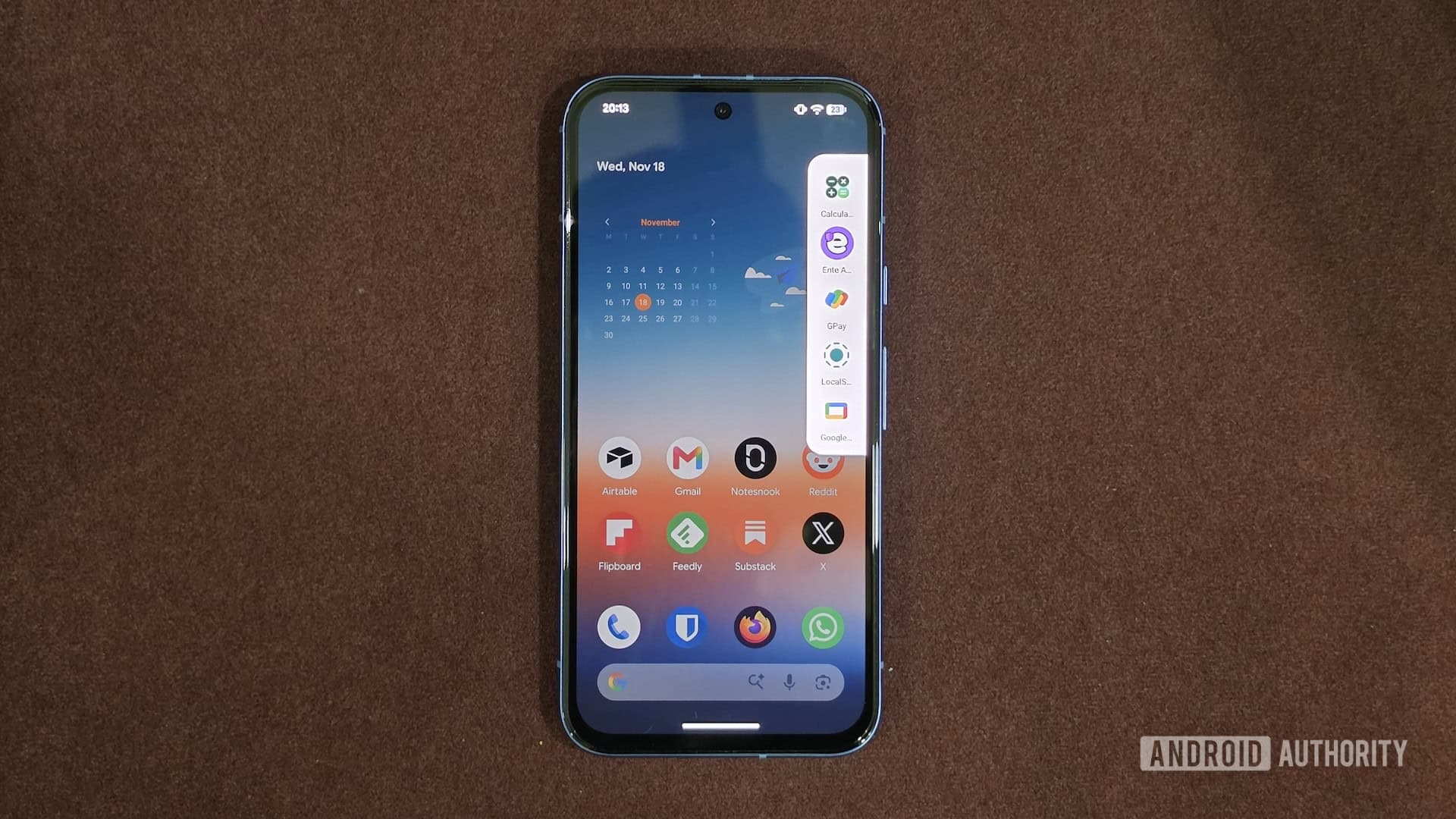
Edge Panels is one of my favorite One UI features. I use it on my Galaxy S26 Ultra every day to quickly access apps, contacts, the clipboard, and occasionally tools like Compass. The feature also makes opening apps in different multitasking views a little easier. Because I use Edge Panels extensively, I’ve developed muscle memory such that my thumb automatically reaches for it whenever I want any of those items. This is helpful on my Galaxy phone, but it’s a problem when I switch to a non-Galaxy phone, like my Pixel 8a, which lacks a native sidebar. Thankfully, you can get a sidebar on any Android phone with a free app called Panels. Since I’ve long wished I had a Samsung-style sidebar on my Pixel 8a, I finally added one.
How I got Samsung’s best multitasking feature on my Pixel for free
It keeps my muscle memory intact when I switch to my Pixel.
Editor
Nov 22, 2026 · 1 min read
From other categories
Security
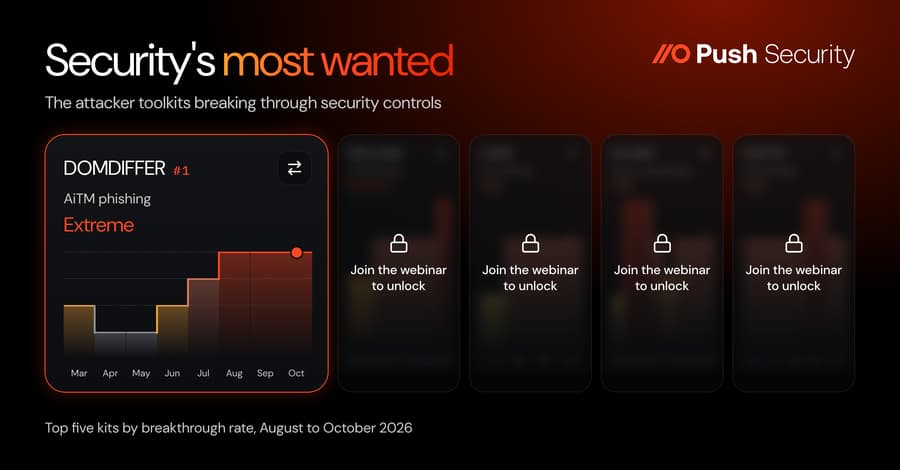
Most Wanted: The Phishing Kits and Techniques Getting Past Security Controls
just now·1 min

AI & Machine Learning
Quoting Jack Despain Zhou
36m ago·1 min

Hardware
Scientific Analysis of Nontraditional Garden Watering Method
46m ago·3 min
Operating Systems
Security updates for Thursday
2h ago·2 min

Databases
Cornelia Biacsics: Contributions for week 46
4h ago·2 min

Programming Languages
Episode 76 “Java in the Age of AI” [AtA]
16h ago·1 min