Credit: Akshay Gangwar / Android Authority
TL;DR
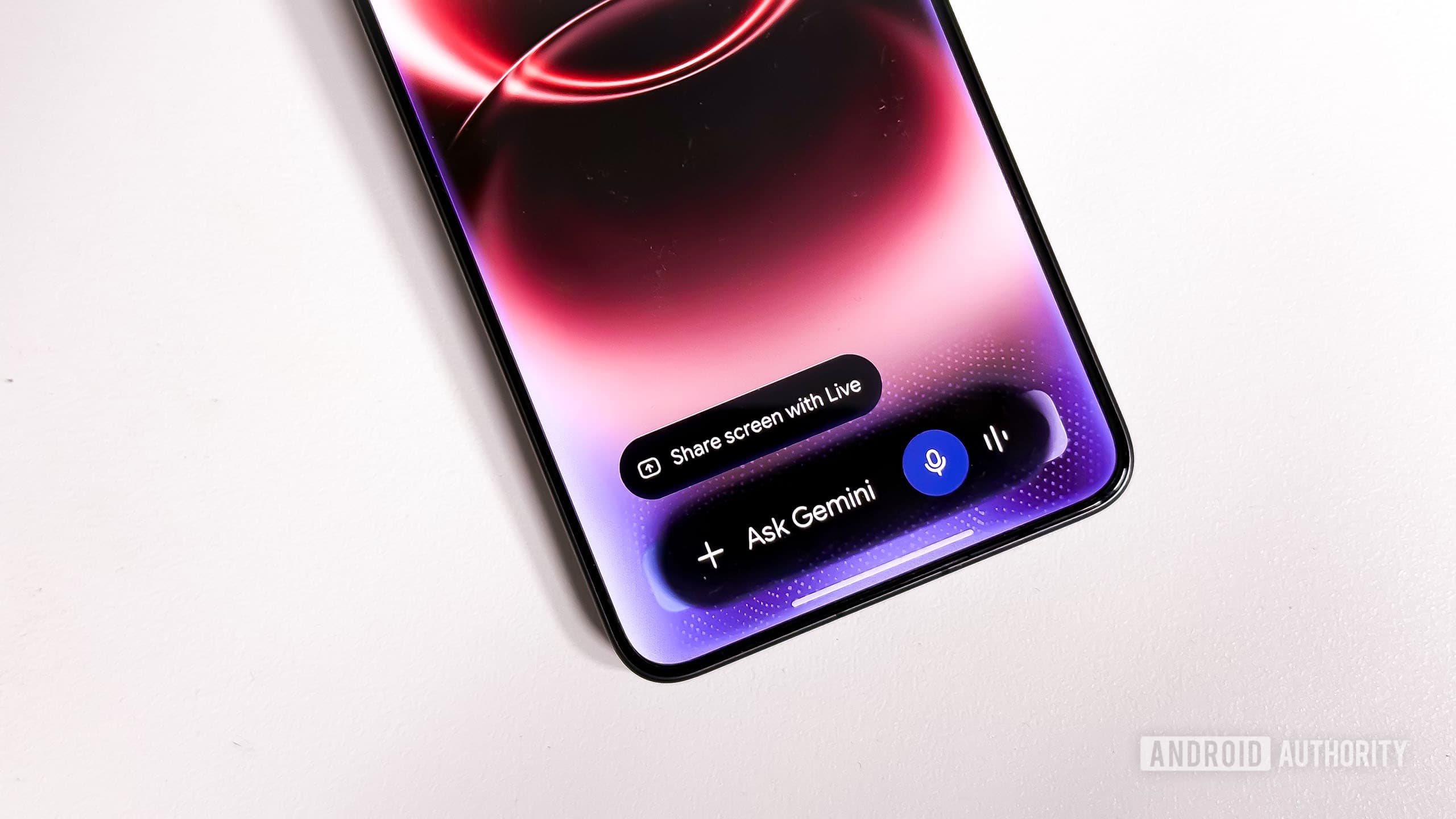
Gemini’s floating overlay on Android now uses screen context to find the best shopping deals across apps. You can ask it to check if a product is worth considering or compare prices across different apps. The feature works by grabbing a screenshot of the page behind it but doesn’t require you to share your screen with Gemini Live.
Google already curates products from multiple online stores in the Shopping section of its search results. If you’d rather skip manually scouring products, you can ask Gemini or Google’s AI Mode to recommend or filter them based on your preferences. Now, Google is making these insights even more accessible with prompts on top of any popular shopping app on your phone. Google is starting to roll out new shopping help prompts right via the Gemini overlay. When you open Gemini over a product page on a shopping app, it will now suggest prompts such as “Help me pick,” “Compare prices,” or “Check warranty and returns.” Tapping any prompt makes Gemini take a screenshot of the product page and use it as context along with the text prompt. For instance, when you ask it to compare prices, it will compare the current listing, say Amazon, against other online retailers, such as Walmart and Target, which can be useful for holiday shopping, especially for the ongoing Black Friday and Cyber Monday sales.