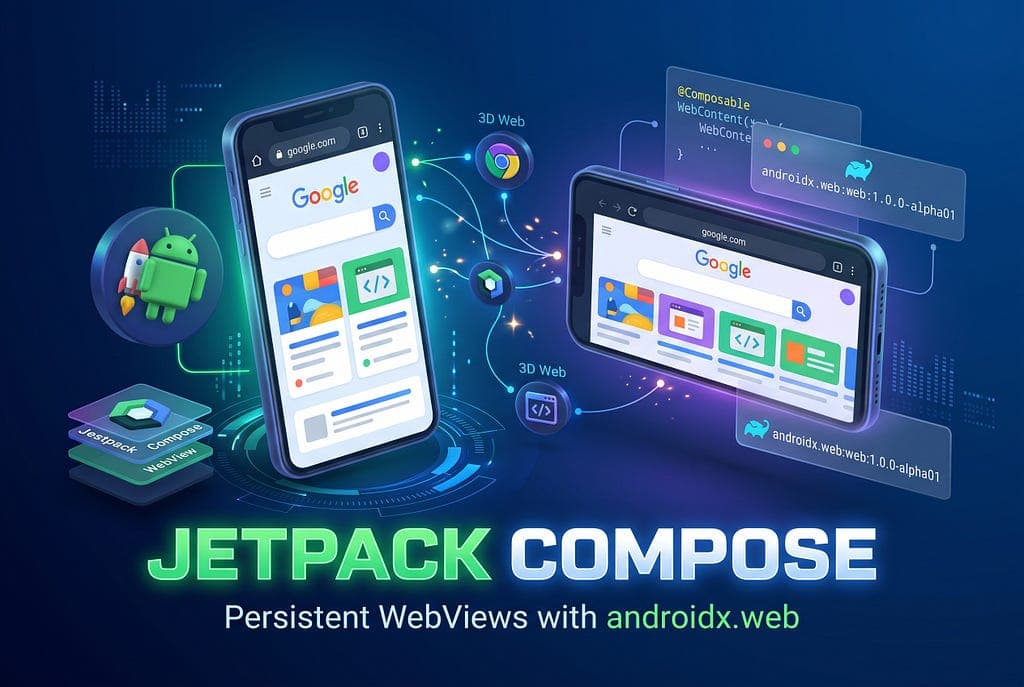
AI generated imageIn this article, we will learn about the new API introduced with the Jetpack Compose November ’26 release under androidx.web(Compose Web).Note: This library is in alpha at the moment, so APIs and signatures might evolve by the time you read this. Be sure to check the official AndroidX Web release notes for the latest version.Embedding web content inside Jetpack Compose has long been one of the last major migration friction points.Traditionally, wrapping a standard WebView inside AndroidView ties the web engine directly to the UI hierarchy—leading to scroll stutter, Activity memory leaks, and full page reloads every time the screen rotates or theme changes.@Composablefun LegacyWebScreen( modifier: Modifier = Modifier, startUrl: String = "https://www.google.com") { var webView by remember { mutableStateOf<WebView?>(null) } var canGoBack by remember { mutableStateOf(false) } BackHandler(enabled = canGoBack) { webView?.goBack() } AndroidView( factory = { context -> WebView(context).apply { webViewClient = object : WebViewClient() { override fun shouldOverrideUrlLoading( view: WebView?, request: WebResourceRequest? ): Boolean = false override fun doUpdateVisitedHistory( view: WebView?, url: String?, isReload: Boolean ) { canGoBack = view?.canGoBack() == true } } loadUrl(startUrl) webView = this } }, modifier = modifier )}Legacy API Demo💫 androidx.web:Solves this by splitting the web session state from the rendering surface.Implementation1. Add the DependencyFirst, add the androidx.web artifact tolibs.versions.toml file:[versions]webx = "1.0.0-alpha01"[libraries]androidx-web = { group = "androidx.web", name = "web", version.ref = "webx" }Next, include it in the app or module’s build.gradle.kts file and sync:dependencies { implementation(libs.androidx.web)}2. Hold WebContent in a ViewModelCreate a ViewModel to hold the WebContent instance.Because ViewModel survives configuration changes like screen rotation or dark mode switches, the live web session stays intact.class WebViewModel : ViewModel() { val webContent = WebContent() override fun onCleared() { // Destroy the underlying web engine when the ViewModel is permanently cleared webContent.close() super.onCleared() }}3. Build the Web Content ComposableWhile a native @Composable wrapper is planned for a companion library later, in 1.0.0-alpha01 we still use AndroidView—but instead of creating a raw WebView, we attach a WebContentView to our retained WebContent state holder:@Composablefun WebContentPage( webContent: WebContent, startUrl: String, modifier: Modifier = Modifier) { var attachedView by remember { mutableStateOf<WebContentView?>(null) } var canGoBack by remember { mutableStateOf(false) } // Intercept system back presses to navigate within web history first BackHandler(enabled = canGoBack) { attachedView?.goBack() } key(webContent) { AndroidView( factory = { context -> webContent.attach(context, ::WebContentView).apply { settings.javaScriptEnabled = true settings.domStorageEnabled = true webViewClient = object : WebViewClient() { override fun shouldOverrideUrlLoading( view: WebView?, request: WebResourceRequest? ): Boolean = false override fun doUpdateVisitedHistory( view: WebView?, url: String?, isReload: Boolean ) { canGoBack = view?.canGoBack() == true } } // Only load startUrl on first creation; // subsequent re-attachments keep current page if (url == null) { loadUrl(startUrl) } else { canGoBack = this.canGoBack() } attachedView = this } }, modifier = modifier, onRelease = { view -> attachedView = null // ‼️ The view must leave the hierarchy before WebContent is detached (view.parent as? ViewGroup)?.removeView(view) webContent.detach() } ) }}4. Create the Screen Entry Point🔗 Finally, connect the ViewModel to WebContentPage and load the URLhttps://www.google.comval START_URL = "https://www.google.com"@Composablefun WebScreen( modifier: Modifier = Modifier, viewModel: WebViewModel = viewModel()) { WebContentPage( webContent = viewModel.webContent, startUrl = START_URL, modifier = modifier )}How It Works Under the HoodAI generated — WorkFlow of new APITo eliminate reloads and memory leaks, androidx.web divides responsibilities across three core primitives:WebContent(State & Session Holder): Owns the persistent Chromium session—including DOM state, JavaScript memory, scroll offset, and navigation back stack.WebContentView(UI): A specialized WebView subclass tied to the active Activity context.public open class WebContentView : WebView { public constructor(context: Context) : super(context)DetachedWebContentView: An internal WebContentView backed by the Applicationcontext rather than an current context. When no UI is attached, WebContent parks the active web session here so it stays alive without leaking the destroyed context. @UiThread public fun detach() { if (isDetached || isDestroyed) return internalAttach( currentView!!.context.applicationContext, ::DetachedWebContentView ) }// DetachedWebContentViewclass DetachedWebContentView internal constructor(context: Context) : WebContentView(context) {// ....Step-by-Step Lifecycle FlowInitial Attach: When WebScreen first composes, AndroidView's factory calls webContent.attach(context, ::WebContentView). WebContent binds the live Chromium session to this new WebContentView, and loadUrl(START_URL) loads the initial page.Active Session: As the user scrolls, types into forms, or clicks links, all session state is maintained inside WebContent.Rotation / Detach: When the user rotates the device, Compose tears down the UI and invokes onRelease. First,removeView(view) removes WebContentView from the dying view tree. Next,webContent.detach() unplugs the live web session and parks it inside DetachedWebContentView (using the Application context), allowing the old Activity to be garbage-collected safely.Re-Attach Without Reload: Once the new Activity recreates the Compose tree, factory runs again with the same WebContent instance. webContent.attach(...) moves the live session out of DetachedWebContentView and plugs it into the fresh WebContentView. Because url is already populated, the if (url == null) check skips loadUrl(), restoring the exact scroll offset and page state instantaneously.Cleanup: When the user permanently leaves the screen and ViewModel.onCleared() is called,webContent.close() shuts down DetachedWebContentView and releases the Chromium engine.⚔️ Gotchas to Watch Out ForRemoval order in onRelease matters: Always remove WebContentView from its parent ViewGroup before calling webContent.detach(). 🛑 Detaching or re-attaching while a view is still attached to a parent hierarchy throws an IllegalStateException.Guard loadUrl() with if (url == null): Every configuration change re-runs the AndroidView factory block. Without the null check, we would accidentally force a reload on every rotation.onRelease = { view -> attachedView = null // The view must leave the hierarchy before WebContent is detached (view.parent as? ViewGroup)?.removeView(view) webContent.detach()}Github repositoryGitHub - navczydev/RecentReleaseSamplse: This repostory contains the sample code for new features, OS updates, etc.📱 Demo 🧑💻New API DemoReferencesWhat's new in the Jetpack Compose November '26 release | Android Developers' BlogWeb | Jetpack | Android DevelopersFixing Jetpack Compose’s Last Big Migration Pain Point: Seamless WebViews with WebContent was originally published in ProAndroidDev on Medium, where people are continuing the conversation by highlighting and responding to this story.
Fixing Jetpack Compose’s Last Big Migration Pain Point: Seamless WebViews with WebContent
Fixing Jetpack Compose’s Last Big Migration Pain Point: Seamless WebViews with WebContent
Editor
Nov 25, 2026 · 5 min read
From other categories

Security
Most Wanted: The Phishing Kits and Techniques Getting Past Security Controls
just now·1 min

AI & Machine Learning
Quoting Jack Despain Zhou
34m ago·1 min

Hardware
Scientific Analysis of Nontraditional Garden Watering Method
44m ago·3 min
Operating Systems
Security updates for Thursday
2h ago·2 min

Databases
Cornelia Biacsics: Contributions for week 46
4h ago·2 min
Programming Languages
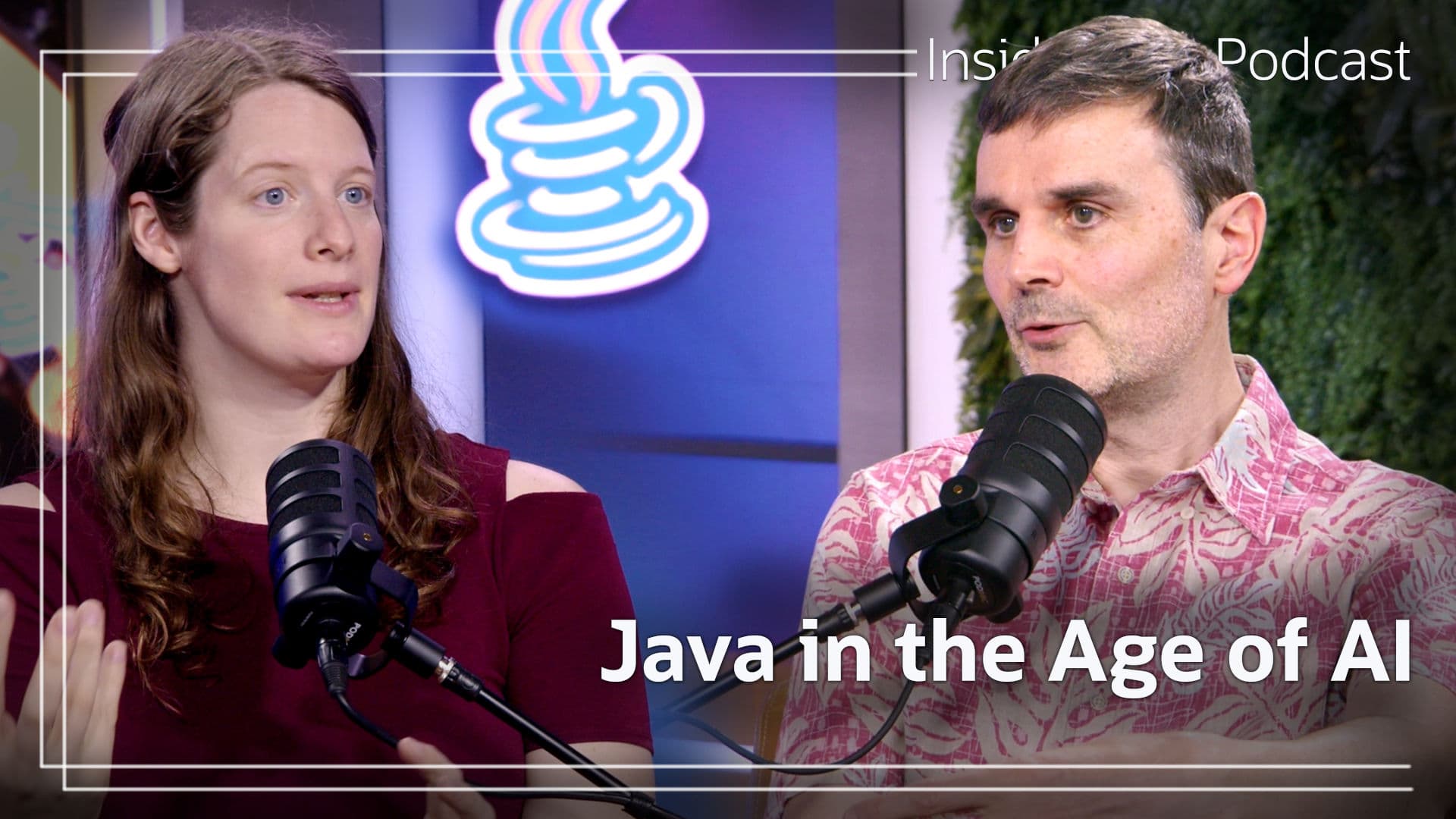
Episode 76 “Java in the Age of AI” [AtA]
16h ago·1 min