What dbvr is, and why use it with PostgreSQLdbvr lets you define PostgreSQL connections and run SQL from the command line, with no graphical interface. That makes it a fit for servers, containers, and pipelines where a desktop database tool cannot run.DBeaver Corporation announced dbvr on March 26, 2026 as a standalone CLI built on the same multi-database engine as the DBeaver desktop products. It can:Run SQL queries and scripts from saved or inline connection settings, with no interactive login.Run on locked-down servers, inside containers, and over SSH on remote hosts.Authenticate natively to AWS, GCP, and Azure databases.Export query results to S3, Google Cloud, or Azure storage.Plug into CI/CD pipelines for database checks and backup/restore validation.The announcement lists the commercial edition as an annual per-machine subscription with a 14-day trial. DBeaver's 26.1 release post also introduced dbvr Community, a free edition under the Apache License 2.0. This post covers three steps: creating a PostgreSQL datasource, running queries, and using dbvr for production queries. You will want to scan the documentation, and the code is available in all the popular package formats. Creating a PostgreSQL datasourceIn dbvr, a datasource is a saved, named connection, so later commands can refer to it by name instead of repeating host and credentials. You create one with the datasource create command, using the postgres-jdbc driver.Below I am using the gold ol' DVD Rental database on a local server$dbvr datasource create --driver=postgres-jdbc --name=dvdrental --host=localhost --port=5432 --user=stoker --password=Secr3t --database=dvdrentalpostgres-jdbc-1a1f47126cc-2a49d7ea462459bf$dbvr datasource listID NAME DRIVER postgres-jdbc-1a1f47126cc-2a49d7ea462459bf dvdrental postgres-jdbcRunning queriesThe sql command runs a query or a whole script against a datasource and prints or exports the results. Per the sql reference and cheat sheet, you can:Pass a query inline, pointing at a saved datasource by name.Run a .sql script file instead of an inline query.Skip the saved datasource and give connection details inline, useful for one-off checks.Write results to a file in a chosen format such as CSV.The meta commands are handy alongside queries: they list databases, schemas, and tables, and print DDL, so you can inspect a PostgreSQL schema without a GUI.$dbvr sql -ds=dvdrental "SELECT * FROM actor LIMIT 5;"|actor_id|first_name|last_name |last_update ||--------|----------|------------|-----------------------||1 |Penelope |Guiness |2013-05-26 14:47:57.620||2 |Nick |Wahlberg |2013-05-26 14:47:57.620||3 |Ed |Chase |2013-05-26 14:47:57.620||4 |Jennifer |Davis |2013-05-26 14:47:57.620||5 |Johnny |Lollobrigida|2013-05-26 14:47:57.620|Rows read: 5, (100ms)Using dbvr for production queriesBecause dbvr needs no GUI or interactive login, it can run production queries wherever your automation already runs: a scheduled job on a server, a container, or a CI/CD pipeline step.Common production uses, based on DBeaver's announcement and docs:Scheduled reports. A cron job or scheduler runs a saved .sql script against the production datasource and exports the results to CSV.Exports to cloud storage. The sql command can read scripts from and write results to S3, Google Cloud, or Azure storage URIs, so reports land where downstream jobs pick them up.Pipeline checks. A deployment step runs validation queries, such as row counts or schema checks, and fails the build if they return unexpected results.Backup and restore validation. Verification scripts run against a restored database to confirm schema integrity and data completeness.AI tool access. dbvr can run as an MCP server (mcp start) so an AI assistant can query a datasource. For production, point it only at a read-only datasource.To keep this safe:Keep Prod in its own project. Separate projects make it harder to run a test script against production by mistake. Yes, this never happens to you until it happens to you.Keep passwords off the command line. A password typed as a command option can end up in shell history and process lists. dbvr has secret-manager commands and a pre-configure credentials guide; check those for the method that fits your setup.Use a read-only PostgreSQL role. Grant it only SELECT on the schemas reports need. This protects data regardless of how dbvr is configured.Cap runaway queries. Set PostgreSQL's statement_timeout on that role so a slow query is cancelled automatically.Version-control your scripts. Run reviewed .sql files from a repository rather than ad-hoc inline queries.dbvr vs. psqlSo, why use this over the psql that comes with your PostgreSQL server. Neither tool wins everywhere. psql is the more mature choice for PostgreSQL-only work, while dbvr pays off when you need multiple databases, cloud logins, or cloud exports. dbvrpsqlDatabases100+ SQL and NoSQL enginesPostgreSQL onlyCostAnnual per-machine subscription; free Community edition (Apache 2.0)Free; ships with PostgreSQLCloud authenticationNative AWS, GCP, and AzureUsually needs a token from the cloud provider's CLIExporting resultsWrites directly to S3, Google Cloud, or Azure storageWrites local files; upload separatelySaved connectionsNamed datasources grouped in projects, plus secret-manager.pgpass and service filesAI tool accessBuilt-in MCP serverNone built inPostgreSQL-specific featuresNot verified to match psqlMeta-commands (\d, \dt), \copy, variables, ON_ERROR_STOPMaturityLaunched March 2026Decades of production usePick psql for PostgreSQL-only work on servers you control. Pick dbvr when you work across several database engines, use cloud-managed databases with IAM-style login, or export straight to cloud storage. Many teams will reasonably use both.Wrapping updbvr brings DBeaver's PostgreSQL connectivity to the command line: create a datasource once, then run and export queries from scripts, servers, and pipelines. Pair it with separate projects, stored credentials, and a read-only database role, and it becomes a dependable way to run production queries.SourcesDBeaver: dbvr launch announcement (March 26, 2026)DBeaver 26.1 release postdbvr documentationdbvr cheat sheet
Dave Stokes: Using dbvr with PostgreSQL: From First Datasource to Production Queries
What dbvr is, and why use it with PostgreSQLdbvr lets you define PostgreSQL connections and run SQL from the command line, with no graphical interface. That makes it a fit for servers, containers, and pipelines where a desktop database tool cannot run.DBeaver Corporation announced dbvr on March 26, 2026 as a standalone CLI built on the same multi-database engine as the DBeaver desktop products. It can:Run SQL queries and scripts from saved or inline connection settings, with no interac
Editor
Nov 19, 2026 · 5 min read

From other categories
Hardware
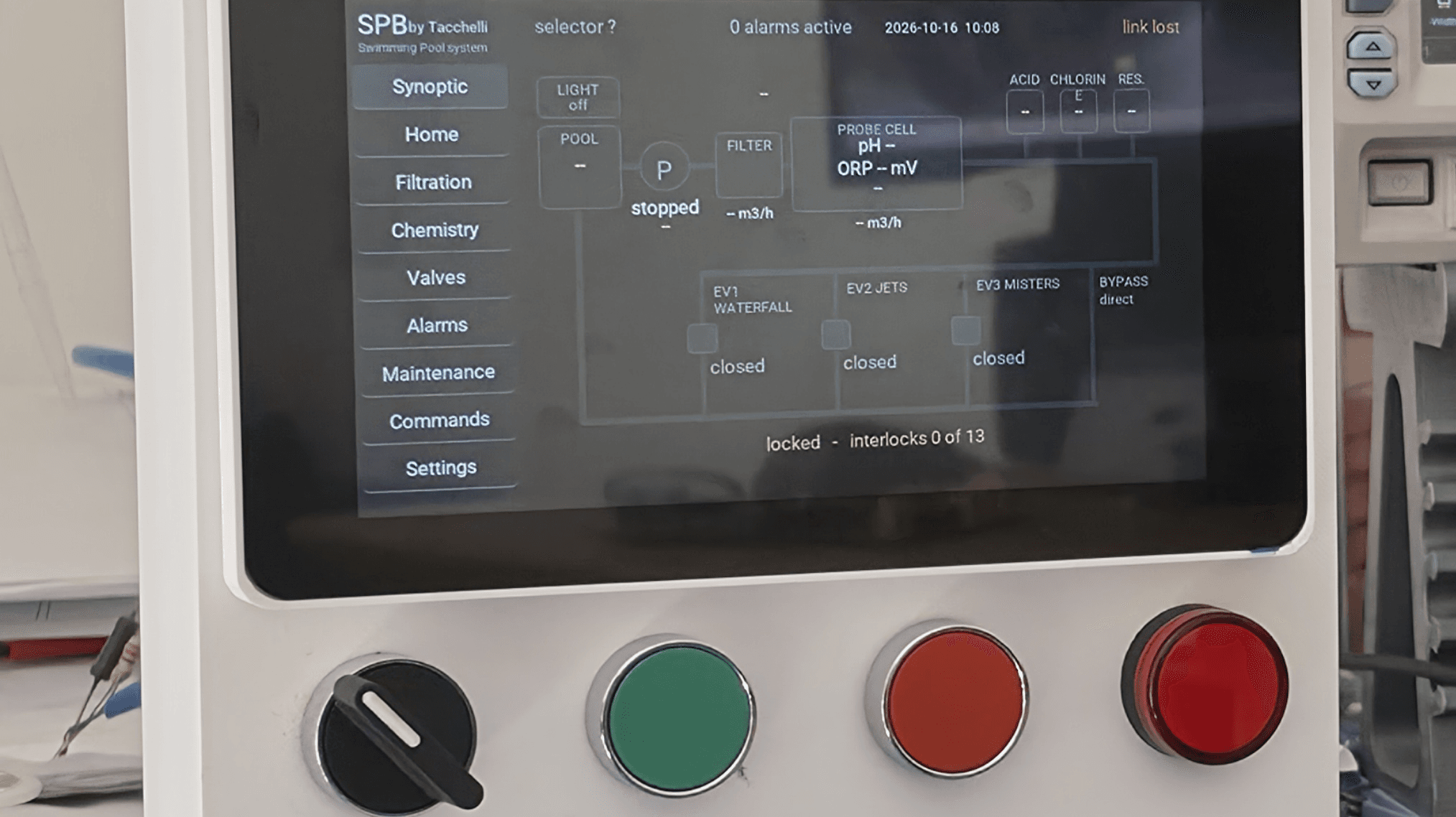
Automation For The Swimming Pool
49m ago·2 min

Security
A Single Malicious Webpage Let Researchers Hijack Meta Muse and Access Private Chats
1h ago·1 min

Operating Systems
Debian 13.8 “Trixie” Released with 122 Bug Fixes and 150 Security Updates
8h ago·1 min
AI & Machine Learning
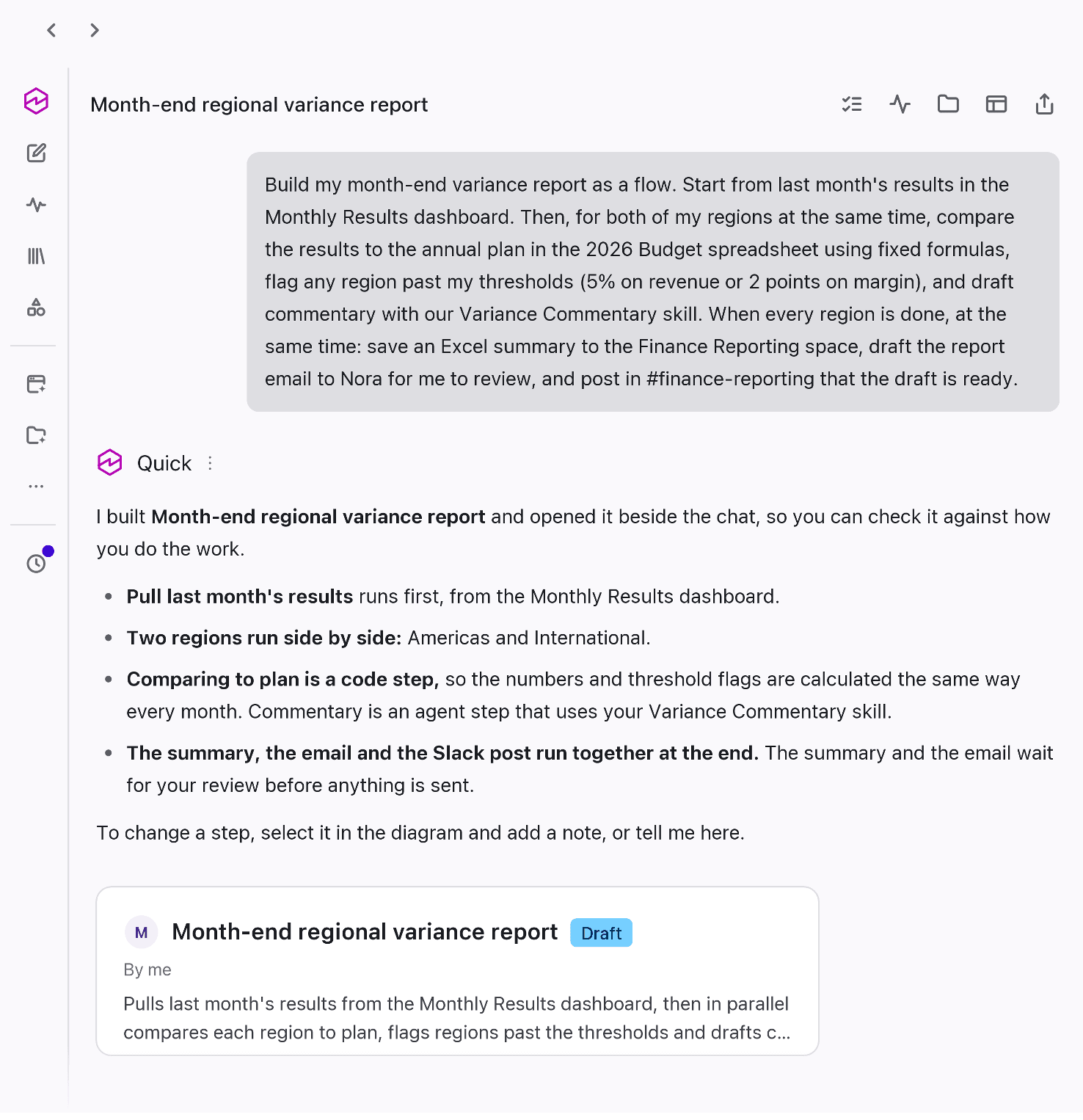
New in AWS Quick: More capable flows, an updated web experience, and agents that work together
18h ago·11 min
Programming Languages
JavaOne 2027 & Java 28 Value Objects - Inside Java Newsletter
19h ago·1 min

Mobile Development
Expanding Android developer verification in 2027
3d ago·1 min