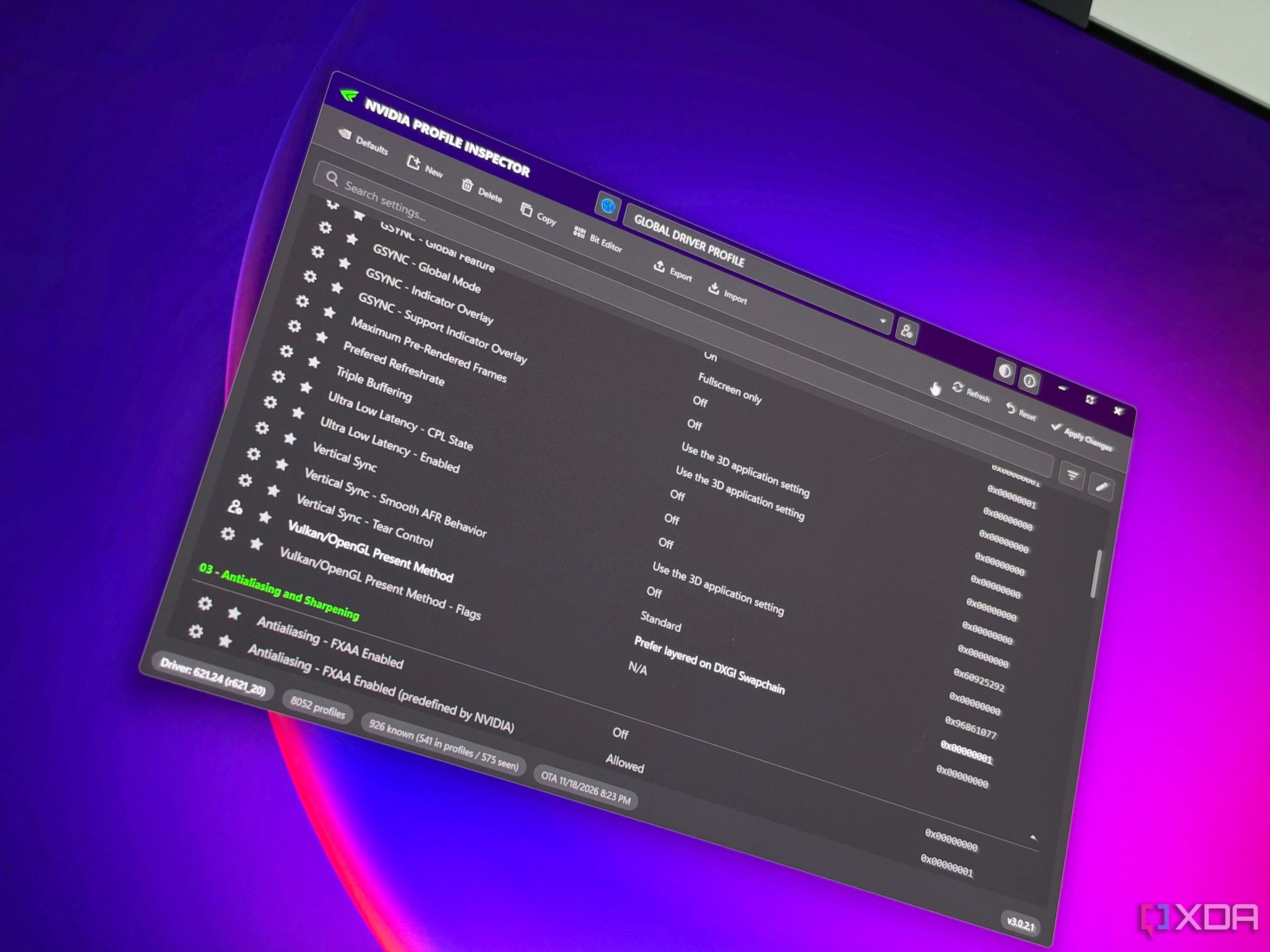
If you have an Nvidia GPU inside your gaming PC, every time you launch a game, Nvidia's driver uses what are called profiles to store settings for specific games and applications. A lot of these settings will be very familiar—V-Sync, anisotropic filtering, and power profiles, but many of them are also hidden flags Nvidia uses to make individual games behave themselves. The Nvidia App only shows you a handful of these, usually the ones that don't have an outsized effect on stability, but with the Nvidia Profile Inspector, you can have unfeathered access to all of them.
5 Nvidia Profile Inspector settings I change that the Nvidia App doesn't show
The Nvidia App hides some settings for good reason, but some of them have great utility depending on the application
Editor
Nov 25, 2026 · 1 min read
From other categories
Security
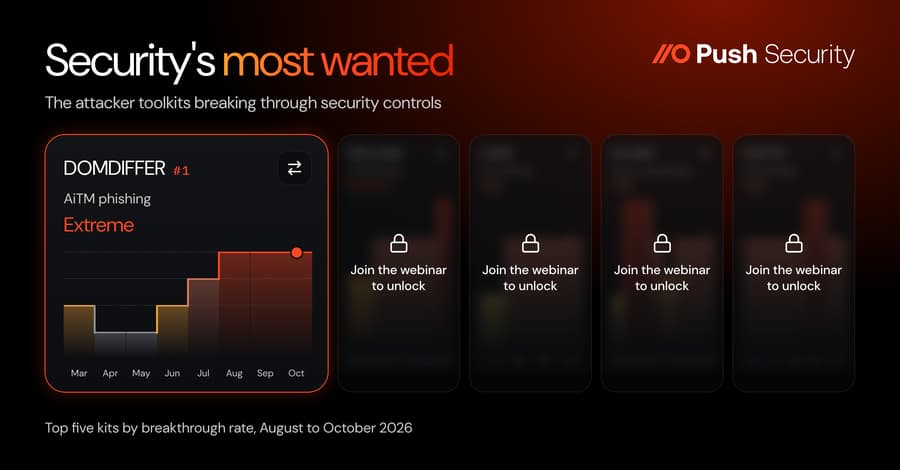
Most Wanted: The Phishing Kits and Techniques Getting Past Security Controls
just now·1 min

AI & Machine Learning
Quoting Jack Despain Zhou
34m ago·1 min

Hardware
Scientific Analysis of Nontraditional Garden Watering Method
44m ago·3 min

Operating Systems
Security updates for Thursday
2h ago·2 min

Databases
Cornelia Biacsics: Contributions for week 46
4h ago·2 min

Programming Languages
Episode 76 “Java in the Age of AI” [AtA]
16h ago·1 min